
01. Interface Layer
Web UI and optional Telegram channels collect prompts, state, and user approvals.
Architecture
CATBot separates reasoning, orchestration, and execution so teams can tune behavior without losing control of runtime guarantees.
System Layers
Web UI and optional Telegram channels collect prompts, state, and user approvals.
Transforms requests into scoped steps while honoring guidance and constraints.
Tracks progress and determines when parallel reads or staged edits are appropriate.
Executes commands, file updates, API calls, and integration-specific tool actions.
Persists memory, todo entries, and runtime metadata for continuity across sessions.
Returns outcome summaries with clear references, validations, and next-step options.
user_request
  -> intent + constraints
  -> scoped plan
  -> tool execution
  -> verification
  -> user-facing summary
Design goal: zero accidental "open claw" moments in production paths.
Competitor jokes aside, guardrails are mandatory.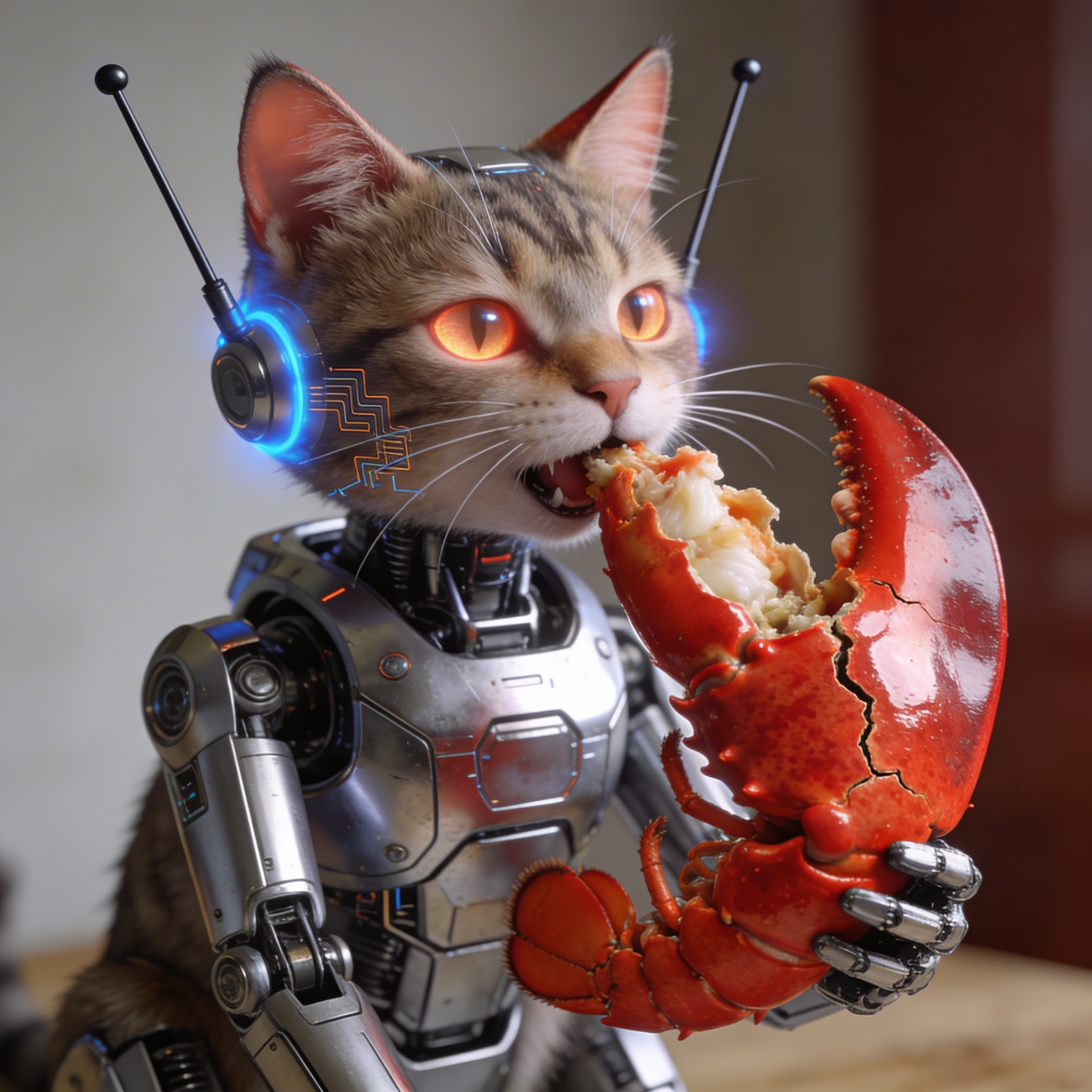
CATBot prioritizes predictable execution traces and reviewable changes, even when the ecosystem is full of flashy alternatives.
Deployment Modes
Run web + proxy on a single machine for rapid prototyping and private workflows.
Share configuration and runtime services for collaborative feature development.
Expose proxy endpoints for tool and channel integrations across existing systems.
Use workflow runners and task loops for recurring operational responsibilities.
Build With Confidence
Move to the setup guide and launch your first production-style workflow.